BLOG: EXCEL, INVOICES, DATA
Guides for less office work.
Comparing lists by hand, typing up invoices, entering data twice: it costs hours every week and leaves the worry that a mistake slipped through. Our guides show you step by step how to get that work done faster and with more certainty, with worked examples and honest limits.
- 17 guides with worked examples
- For Austria and Germany
- Fact checked, sources listed
ALL GUIDES
Find the guide for your task.
17 guides
Excel and lists
When two lists do not match, the searching starts. These guides show how to compare lists, find gaps and duplicates and spot price changes without checking every line yourself.

Excel and lists
Mail merge from Excel: letters without lost zeros, wrong greetings or blank lines
The holiday letter to 300 customers is on your desk, and Word turns 01067 into 1067. Here is how to prepare the Excel list so every letter is right on the first print run.
Read · 10 min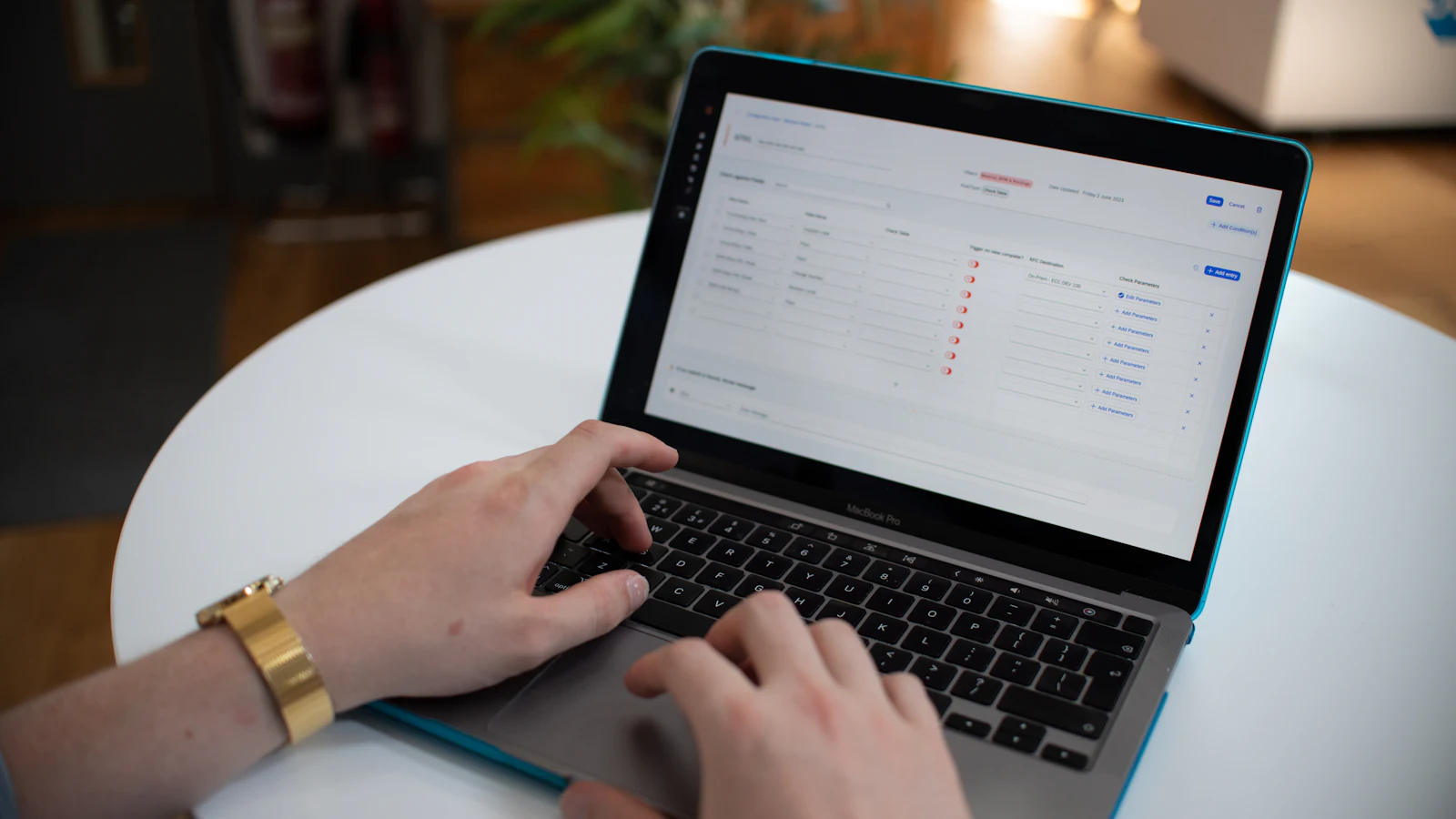
Excel and lists
Compare two Excel lists: match them by item number without silent errors
Pull prices, lead times or stock levels from a second list without searching row by row and without worrying that a value lands in the wrong row. Three methods in Excel, the usual traps and a worked example.
Read · 11 min
Excel and lists
Find missing records in Excel: see exactly what is missing from which list
Which invoices are in your ERP system but not in your accounts? How to find missing records in both directions and track down gaps in number sequences, without checking row by row.
Read · 11 min
Excel and lists
Compare price lists in Excel: find every price change from your supplier
The new price list has arrived. How to see which prices changed, what that really costs per year and which changes deserve a second look.
Read · 10 min
Excel and lists
Find duplicates in Excel: spot duplicate customer records and merge them safely
“Müller GmbH” and “Mueller Ges.m.b.H.” are the same customer, but Excel cannot tell. How to find exact and similar duplicates and merge them without losing data.
Read · 10 min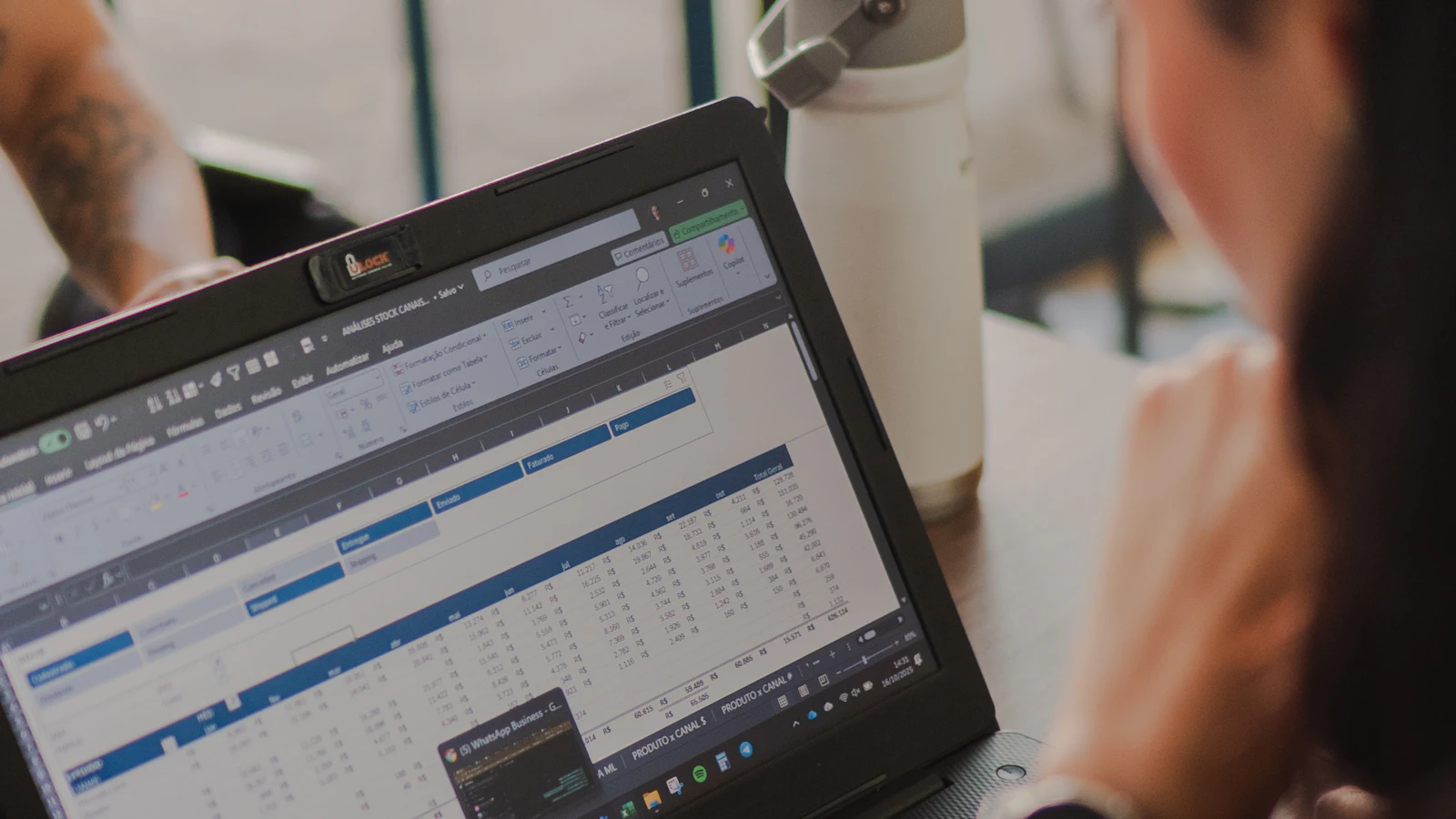
Excel and lists
Automate Excel: how to choose between formula, Power Query, macro and office helper
Formula, Power Query, macro or a program of its own? A guide with versions, licences and the limits of each tool, so your recurring Excel task does not depend on one person.
Read · 11 min
Invoices and e-invoicing
Typing, checking, chasing: incoming invoices take more time than they should. Read which steps can be automated and what e-invoicing rules in Germany and Austria require of you.

Invoices and e-invoicing
E-invoicing Germany 2027: who must switch, which exemptions apply and how to prepare
From January 2027, larger German businesses must send e-invoices, from 2028 almost all of them. What that means for your PDF invoices and how to switch without new software.
Read · 11 min
Invoices and e-invoicing
Track unpaid invoices in Excel: know at any time who still owes you money
Month end, payroll is due, and nobody knows exactly which customers still have to pay. How to build an unpaid invoices list that is right before the first reminder goes out.
Read · 12 min
Invoices and e-invoicing
ZUGFeRD vs XRechnung: tell them apart, read the invoice, pay it safely
The attachment is just an XML file, and your boss asks whether you can pay it. Here is how to tell what you received, and what to send yourself.
Read · 10 min
Invoices and e-invoicing
Automate invoice processing: steps, limits and what e-invoicing rules require
Which steps of incoming invoice processing can be automated reliably, where people need to decide and what e-invoicing means in Germany and Austria. Status November 2026.
Read · 12 min
Invoices and e-invoicing
Invoice data entry automation: capture every invoice only once
The same invoice ends up in an Excel list, in accounting and in online banking. Here is how to find the double entries and replace them one by one, without changing your software.
Read · 10 min
Data and imports
Entering the same data into two programs is tedious, and every copy is a chance for an error. Here is how to move data reliably from one program to another by import or interface.

Data and imports
Convert a bank statement to Excel: import it cleanly, check the balance, analyse it
The bank export lands in one column, the special characters are garbled and an amount has turned into a date. How to turn a bank statement into an Excel table you can trust.
Read · 11 min
Data and imports
Transfer data between systems: 4 ways to stop typing it twice
Typing the same data into two programs costs time and causes errors. Here is how to pick the right route: built in import, API, file handover or an office helper.
Read · 11 min
Planning automation
Before you spend money, you want to know whether it pays off. These guides help you work out costs and payback with your own figures, including the case where it does not.

Planning automation
Small business grants in Austria 2026: funding sorted by purpose
You have heard there is funding, but not which programmes apply to your business. Here they are, sorted by purpose, as of November 2026.
Read · 9 min
Planning automation
Digitalisation funding in Austria 2026: what is left after KMU.DIGITAL
KMU.DIGITAL has run out of money. Which states still fund digitalisation, for which businesses and from which project size, as of November 2026.
Read · 8 min
Planning automation
Cost of manual processes: work out what one office task costs you per year
A task takes a few minutes but happens hundreds of times a month. Here is how to work out what it costs your business each year, with formula, hourly cost and example.
Read · 9 min
Planning automation
Automation ROI: when does automating an office task pay off?
There is an offer on the table, but will it pay off? Here is how to calculate the payback period of an automation, including the costs people tend to forget.
Read · 9 min
FASTER THAN ANY GUIDE
Try it yourself right away, for free.
Tools for the most common questions in our guides. Right in your browser, no sign up.
RATHER HAVE IT SOLVED THAN READ ABOUT IT?
Recognise your own workflow? We will take it off your hands.
Describe your task in a few sentences. We will tell you honestly whether automation pays off and, if it does, build an office helper that takes over exactly that work.
- Personal reply within 1–2 working days
- Small projects built in 3–7 days
- Fixed price from €1,990 excl. VAT

COMING SOON
Guides we are writing right now.
Your question is not on the list? Let us know. We are happy to pick up questions from everyday work as our next topic.
- Data and importsCSV opens in one column: causes and fixFor: Administration
- Data and importsKeep leading zeros when importingFor: Purchasing and administration
- Data and importsStandardise date formats for CSV importsFor: Administration
- Data and importsConvert decimal comma and decimal point safelyFor: Finance
- Data and importsMap columns for a CSV importFor: Operations
- Data and importsWhy a CSV import failsFor: Administration
- Data and importsPreparing a BMD import: what to clarify firstFor: Finance, Austria
- Data and importsDATEV data transfer: interface or file?For: Finance, Germany
- Invoices and e-invoicingProcessing e-invoices in GermanyFor: Finance, Germany
- Invoices and e-invoicingElectronic invoices in Austria explainedFor: Finance, Austria
- Invoices and e-invoicingXRechnung, ZUGFeRD and PDF comparedFor: Finance
- Invoices and e-invoicingExtracting invoice data: structured or OCR?For: Finance
- Planning automationOffice work in the trades: three tasks to check firstFor: Trades
- Excel and listsMatching supplier lists in a trade business officeFor: Trades purchasing
- Planning automationKeep your software and connect your workflowsFor: Management
- Planning automationLocal AI or cloud for office workflows?For: Management and IT
- Planning automationWhich running costs remain with local processingFor: Management
- Invoices and e-invoicingChecking invoices against orders line by lineFor: Purchasing
- Planning automationPlanning realistic review time for automationsFor: Management and finance
- Planning automationPreparing an automation: checklist for your workflowFor: Prospective clients
READ ON
More answers around your workflow.
LET'S TALK ABOUT YOUR WORKFLOW
Write to us. We reply personally.
A question, an idea or a task that costs time every week? A few sentences are enough. You get an honest answer from the people who also build your office helper.



Ivan, Lukas & JanReply within 1–2 working days
- Personal reply
- No obligation
- Based in Vienna, GDPR aware